Gideon, 51, from London, is a hearing aid user and has had hearing loss since birth. He is very familiar with Auracast, but until recently hadn’t experienced it at the theatre.
Here, he shares what did and didn’t work for him and how these venues can ensure a better service. Gideon uses ReSound Vivia hearing aids and manages them with his phone, an iPhone 17 Pro Max.
This story is shared as part of our new Auracast for Theatres playbook, helping theatres become more accessible for people with hearing loss. Explore the playbook.

You’ve been using Auracast for a long time. Can you tell us a bit about your experiences with it?
I take an Auracast unit to events I attend where someone is speaking. I frequently go to alumni talks, talks at universities, business conferences, the school. You know, to the presentation of content, maybe at a synagogue or a volunteer thing.
My unit broadcasts to me and my son’s Auracast-enabled hearing aids. I always take a power bank, too, so that I can power it independently, if needed. I take different wires so I can attach it to whatever the sound system at the venue is.
I also bring my GN Multi Mic+ (an Auracast microphone) that my hearing aids connect to, so I can hear and speak with the people around me.
It’s frustrating to have to set up everything myself every time, having to explain my needs to the venue in advance and going early to set everything up. It would be so much better if venues provided Auracast themselves, as standard.
You’re a big theatre fan. How do you typically book an accessible show?
I find out about accessible shows through an access catalogue that lists what’s available in the next two months. I look at my diary to check availability against my childcare schedule. It can be disappointing when there’s only one captioned performance and it’s on a day I can’t attend.
Booking seats usually involves an email or a phone call, as theatres restrict sales of the best seats for captions. Often the systems they have in place to do this are painful and slow, so staff work around them.
Top tip for theatres: make sure your venue is listed in access catalogues and on relevant websites online, so customers know they can access better theatre with you.
I try to go to one show per month, looking for days when I can see a show I want with captions, though sometimes these performances are sold out. It can be frustrating when some accessible showings are only available during working hours.
Top tip for theatres: vary the scheduling of your accessible performances, so customers can come at times that are convenient for them.
Until recently you had not experienced Auracast at the theatre. What was your experience of live theatre like before?
Before, I had only been to shows with captions. The dialogue is not often clear enough to hear every word when it’s 50 metres away, and when you’re sat in the audience there’s often the rustling of programmes and coats, and so forth. So, the captions help me follow what’s going on.
It would be fantastic to access assistive listening without having to plug into sound systems myself; to have a universal standard that works everywhere without requiring much effort.
I would love to enjoy the theatre experience of amazing visuals, fantastic acting, sharp dialogue and rich musical sound. Auracast is key to bridging that gap and for making the dialogue and music sound as good as Netflix does on my phone or on my TV at home.
How has your experience been, using Auracast at the theatre?
I have used Auracast at two different theatres so far this year.
At the first theatre, the dialogue was much clearer than it had been at theatres without Auracast, but there were a few problems with the implementation.
Because I rely on captions, I needed to sit in a certain area to make sure that I could see them. However, I only discovered during the play that the Auracast system didn’t reliably cover those seats – I had assumed it was working until then. Assistive listening should apply to all seats. Theatres should test the service from every seat themselves before they say it is available.
After hearing Gideon’s story, we at RNID contacted the theatre to understand why the signal dropped out. When the system was installed, they tested with standalone receivers, but not hearing aids.
Hearing aids need a stronger broadcast compared with standalone receivers because of their small size. Theatre teams can visit our Auracast in Theatres playbook chapter, Ensuring adequate coverage, to understand how to avoid this.
Then, I found it hard to know which Auracast stream to connect to. I suspect they must have had 2 or 3 different transmitters. I may have connected to the wrong transmitter, because the signal was weak and kept dropping out. I had to go back into the app to reconnect about 10 times during the show. Hearing customers wouldn’t be expected to put up with that.
Top tip for theatres: if you have installed different transmitters to cover different areas, label them clearly so customers know which to connect to, for example: ‘Dress circle – Assistive listening’.
Even so, I could hear the dialogue fairly cleanly, as well as seeing the captions. I don’t think the microphones were very high quality. It wasn’t as nice and crisp as the iPhone when it connects to my hearing aids, but it was way better than the loop system, and way better than what I would ordinarily hear.
Back when I booked that first show, the venue told me I should tell front-of-house staff if the connection wasn’t good. But when the signal disconnected, what exactly was I supposed to do? I’m in the middle of a row with people watching the show. I don’t see any staff.
Top tip for theatres: make sure the Auracast broadcast is turned on and tested by staff before every show. Also make sure you’re broadcasting audio before the show starts so customers can get connected and adjust their audio settings. Should people encounter problems, having staff on hand to help makes a huge difference.
How was Auracast at the theatre when it was working?
In my second visit to a theatre with Auracast, they did run some music and speech before the show to test it, and we knew it worked. The signal was stable. Even when we went out of the auditorium and it disconnected, it was fairly easy to sign back in.
Without Auracast I could not hear the speech at all. With Auracast I could hear it, but I’d still like it to be clearer. My girlfriend, who is hearing, struggled a bit to understand too, so this may have been the actors’ diction rather than the Auracast system itself.
We were watching a musical, but the music wasn’t included in the Auracast stream. I normally mute the microphones on my hearing aids when streaming audio, so I can cut out background noises and focus on the content. But, in the theatre, I could only hear the music properly by unmuting the microphones on my hearing aids. I’d rather have the music streamed to my hearing aids as well so I can hear it with the best quality.
My son had the same issue and was quite upset and frustrated. At the interval, I adjusted his settings, and he did enjoy the second half more.
Top tip for theatres: getting the balance of sounds right makes a big difference to the customer experience. Check our playbook to read more about mixing for assistive listening.
I see the promise of Auracast at the theatre, and the technology worked fine this time. It should make the difference between going or not going. I’m excited that we will eventually find a broadcast as good as the ones our own devices make.
To theatres that aren’t sure about implementing Auracast: you have the opportunity to keep an audience coming. But, you need to consult people with hearing loss to make sure you get the details right.
In what other ways can theatres improve their accessibility?
A cinema I know recently announced they had Auracast, but when I asked them on their chat function where they had it, they had no idea. There is no point having Auracast if venues do not know how it works, because otherwise customers have to buy a ticket and find out it doesn’t work afterwards.
Also, the first theatre show I attended was listed as a BSL (British Sign Language) and ‘relaxed’ performance, but the man sitting next to me complained about me using my phone when I was trying to reconnect to Auracast. I found it a bit ironic that one accessibility requirement trumped another. The cinema also had a no phones policy, which if I followed would mean I couldn’t use Auracast.
Top tip for theatres: let customers know that some audience members might be using their phones for accessibility reasons. If you have a no phone policy, be clear that people using Auracast are welcome to use their devices.

Has Auracast improved your access to live theatre?
Due to the fast pace of dialogue, I still find captions helpful because my brain has become accustomed to seeing captions and doesn’t always process quick speech as well. I would still definitely prefer to go to the theatre using Auracast and having captions at the same time.
It excites me that I may hear better in venues that I have not heard well in up to now. I normally reply on captions, but with Auracast I can hear the expression in the actors’ voices.
Sound is a critical part of theatre, and Auracast will become critical to connecting a whole audience to it. You have the opportunity to keep an audience coming.
It would be such a big deal if I could go to any cinema or any theatre, or any other environment, and not have to ask for help to connect to an assistive listening system, not have to invest any time, not have to bring any equipment and so forth – it would be like magic.
Gideon posts about his experiences on Instagram.
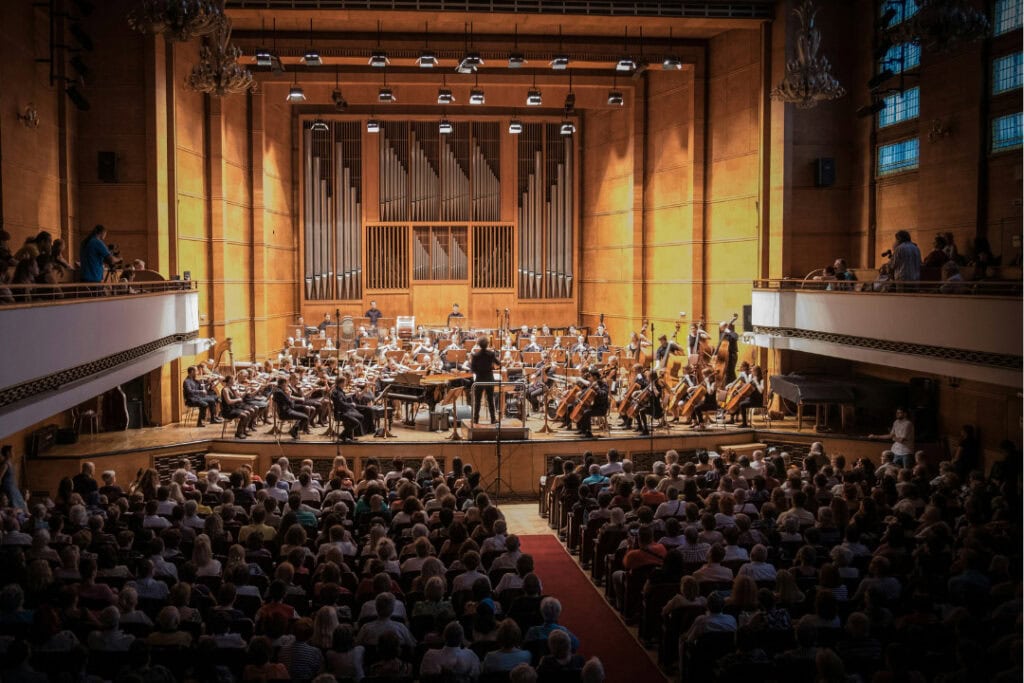
Explore the Auracast for Theatres playbook
Make your theatre more inclusive for customers with hearing loss with our playbook, created with GN Hearing.